# Weex Ui
[](https://travis-ci.org/alibaba/weex-ui)
[](https://github.com/alibaba/weex-ui/commits/dev)
[](https://www.npmjs.com/package/weex-ui)
[](https://npmjs.org/package/weex-ui)
[](https://github.com/alibaba/weex-ui/issues?utf8=%E2%9C%93&q=)

[](https://gitter.im/alibaba-weex-ui/chat?utm_source=share-link&utm_medium=link&utm_campaign=share-link)
> A rich interaction, lightweight, high performance UI library based on [Weex](https://github.com/apache/incubator-weex).
## Demo
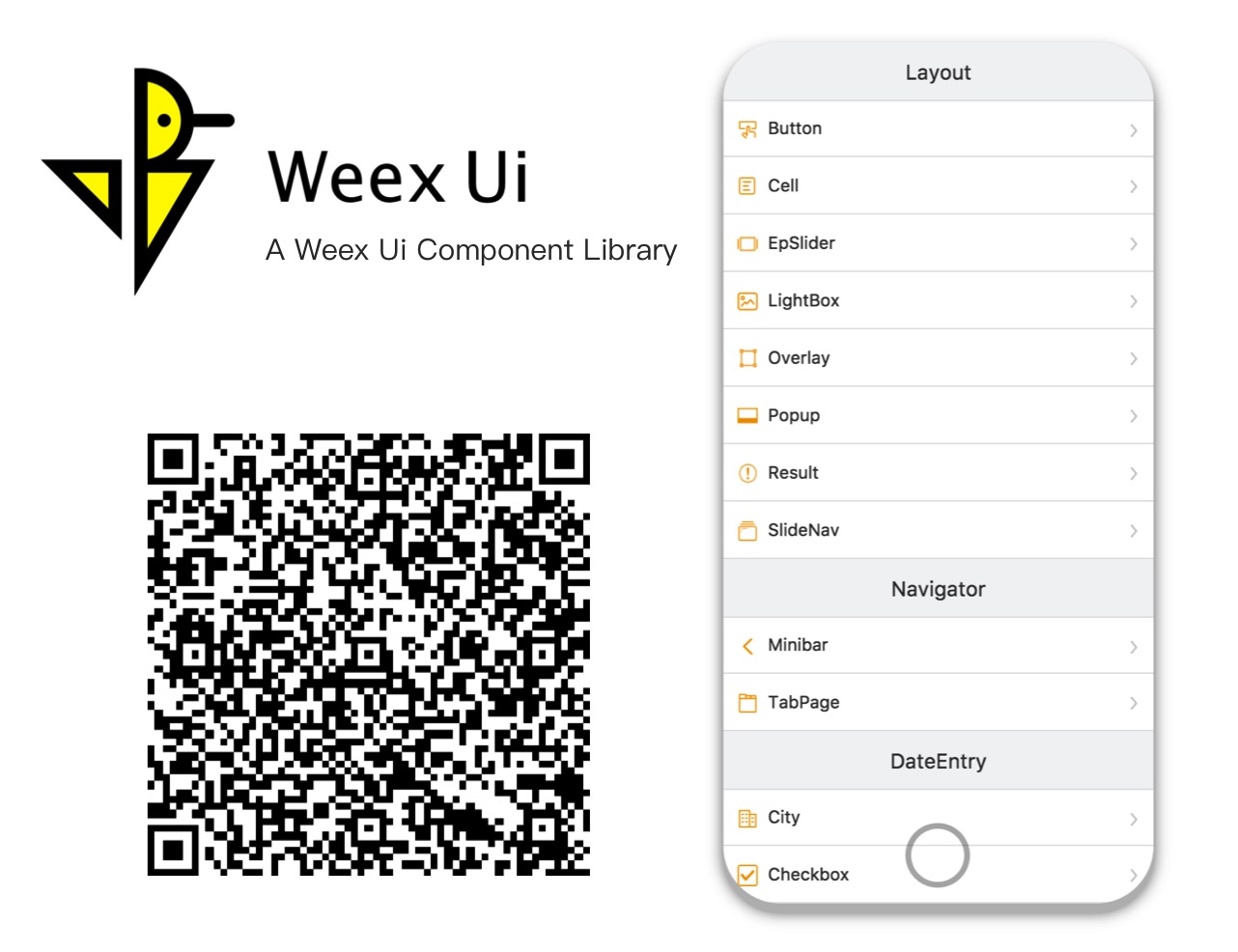 *Try [it](https://h5.m.taobao.com/trip/weex-ui/index.html?_wx_tpl=https%3A%2F%2Fh5.m.taobao.com%2Ftrip%2Fweex-ui%2Fdemo%2Findex.native-min.js) with [Fliggy](http://www.fliggy.com/mobile/?spm=181.52816.a1z6c.19.1fcc529aNQO84O&ad_id=&am_id=1301048151a679d80b29)、[Taobao](https://mpage.taobao.com/hd/download.html?spm=a21bo.50862.201858.1.5523e29eOKuPPN)、[Tmall](https://pages.tmall.com/wow/portal/act/app-download?spm=875.7931836/B.a2226mz.16&scm=1027.1.1.1)、[Weex Playground](https://weex.apache.org/cn/playground.html) or any browsers now!* [简体中文>>](./README_cn.md)
## Installation
```shell
npm i weex-ui -S
```
## Usage
```html
*Try [it](https://h5.m.taobao.com/trip/weex-ui/index.html?_wx_tpl=https%3A%2F%2Fh5.m.taobao.com%2Ftrip%2Fweex-ui%2Fdemo%2Findex.native-min.js) with [Fliggy](http://www.fliggy.com/mobile/?spm=181.52816.a1z6c.19.1fcc529aNQO84O&ad_id=&am_id=1301048151a679d80b29)、[Taobao](https://mpage.taobao.com/hd/download.html?spm=a21bo.50862.201858.1.5523e29eOKuPPN)、[Tmall](https://pages.tmall.com/wow/portal/act/app-download?spm=875.7931836/B.a2226mz.16&scm=1027.1.1.1)、[Weex Playground](https://weex.apache.org/cn/playground.html) or any browsers now!* [简体中文>>](./README_cn.md)
## Installation
```shell
npm i weex-ui -S
```
## Usage
```html
```
### Used together (recommend)
```javascript
import { WxcComponent1, WxcComponent2 } from "weex-ui"
```
In order not to pack all the components, you can use [babel-plugin-component](https://www.npmjs.com/package/babel-plugin-component) import specified component.
```shell
npm i babel-plugin-component -D
```
```json
// add a plugins setting to .babelrc
{
"plugins": [
[
"component",
{
"libraryName": "weex-ui",
"libDir": "packages"
}
]
]
}
```
### Used separately
```javascript
import WxcComponent1 from "weex-ui/packages/wxc-component1"
import WxcComponent2 from "weex-ui/packages/wxc-component2"
```
### Weex-toolkit
If you use [weex-toolkit](https://github.com/weexteam/weex-toolkit) to develop a Weex project, Please add 'state-0' and 'babel-plugin-component' to .babelrc.
```shell
weex update weexpack
npm i babel-preset-stage-0 babel-plugin-component -D
```
```json
{
"presets": ["es2015", "stage-0"],
"plugins": [
[
"component",
{
"libraryName": "weex-ui",
"libDir": "packages"
}
]
]
}
```
### More
- If `webpack.config.js` babel-loader has a exclude for node_modules, Please turn on for week-ui ` exclude: /node_modules(?!\/.*(weex).*)/`.
- You can find more examples [here](https://github.com/alibaba/weex-ui/tree/master/example). Write once and support iOS / Android / Html5 right now!
## Document
|Name|Category|Description|
|:--|:--|:--|
|[wxc-button](./packages/wxc-button/)|Layout|Basic button|
|[wxc-cell](./packages/wxc-cell/)|Layout|Form layout element|
|[wxc-ep-slider](./packages/wxc-ep-slider/) * |Layout|Cool slider neighbor|
|[wxc-lightbox](./packages/wxc-lightbox/)|Layout|Picture list full screen display|
|[wxc-overlay](./packages/wxc-overlay/)|Layout|Basic monlayer element|
|[wxc-popup](./packages/wxc-popup/)|Layout|Popup box|
|[wxc-result](./packages/wxc-result/)|Layout|General results page|
|[wxc-slide-nav](./packages/wxc-slide-nav/)|Layout|Increases view windows|
|[wxc-minibar](./packages/wxc-minibar/)|Navigator|Top navigation|
|[wxc-tab-page](./packages/wxc-tab-page/) * |Navigator|Single page Tab switching component|
|[wxc-checkbox](./packages/wxc-checkbox/)|Data Entry|Checkbox list|
|[wxc-countdown](./packages/wxc-countdown/)|Data Entry|Countdown component|
|[wxc-radio](./packages/wxc-radio/)|Data Entry|Radio list|
|[wxc-slider-bar](./packages/wxc-slider-bar/) * |Data Entry|Sliding select data|
|[wxc-stepper](./packages/wxc-stepper/)|Data Entry|Quantity changer|
|[wxc-searchbar](./packages/wxc-searchbar/)|Data Entry|Search bar component|
|[wxc-grid-select](./packages/wxc-grid-select/)|Data Display|Grid selection component|
|[wxc-indexlist](./packages/wxc-indexlist/)|Data Display|Index list component|
|[wxc-page-calendar](./packages/wxc-page-calendar/)|Data Display|Full page calendar|
|[wxc-rich-text](./packages/wxc-rich-text/)|Data Display|Dynamic template|
|[wxc-simple-flow](./packages/wxc-simple-flow/)|Data Display|Simple flow chart|
|[wxc-tag](./packages/wxc-tag/)|Data Display|Various forms of tag|
|[wxc-dialog](./packages/wxc-dialog/)|Feedback|Second confirmation window|
|[wxc-loading](./packages/wxc-loading/)|Feedback|Content load reminder|
|[wxc-mask](./packages/wxc-mask/)|Feedback|Intermediate popup panel|
|[wxc-noticebar](./packages/wxc-noticebar/)|Feedback|Message prompt bar component|
|[wxc-progress](./packages/wxc-progress/)|Feedback|Progress bar|
|[wxc-lottery-rain](./packages/wxc-lottery-rain/)|Game|Cat-cat game|
|[utils](./packages/utils/)|Service|Common function|
- `*` These rich interaction components are based on [expressionBinding](https://github.com/alibaba/weex/issues/1730) feature. Make sure your app [support it](https://github.com/alibaba/weex-ui/issues/6).
- It's recommended to use the [Octotree extension](https://chrome.google.com/webstore/detail/octotree/bkhaagjahfmjljalopjnoealnfndnagc?hl=en-US) for better documentation search experience.
## Development
```shell
npm i
npm run start
```
Once it has been compiled, a browser window will be opened automatically. You can switch to developer mode to see the demo. And there will be a QR code that you can use to try the demo on your phone in the console.
## Support
- Use it with NPM.
- **Star it** if you like.
- If you have any ideas or suggestions to improve Weex Ui, welcome to submit a [PR](./CONTRIBUTING.md).
- Having a problem getting something to work or want to know why we setup something in a certain way? [File a GitHub Issue](https://github.com/alibaba/weex-ui/issues/new).
## License
- The [MIT License](http://opensource.org/licenses/MIT)
- Please feel free to use and contribute to the development.