Easy, highly typed and customizable way to build your xml using JS/TS plain objects.
## Features
- Conversion of objects to XML;
- Cdata, self-closing and attributes support;
- Highly typed to optimize your DX;
- Small size and no dependencies.
## Install
```
npm install xml-from-object
```
## Quickstart
```ts
import { xmlFromObject, FromObjectSchema } from "xml-from-object";
const schema: FromObjectSchema = {
name: {
value: "John",
},
lastName: {
value: "Doe",
},
};
const xml = xmlFromObject({ schema });
console.log(xml);
// Output: `JohnDoe`
```
## Features examples
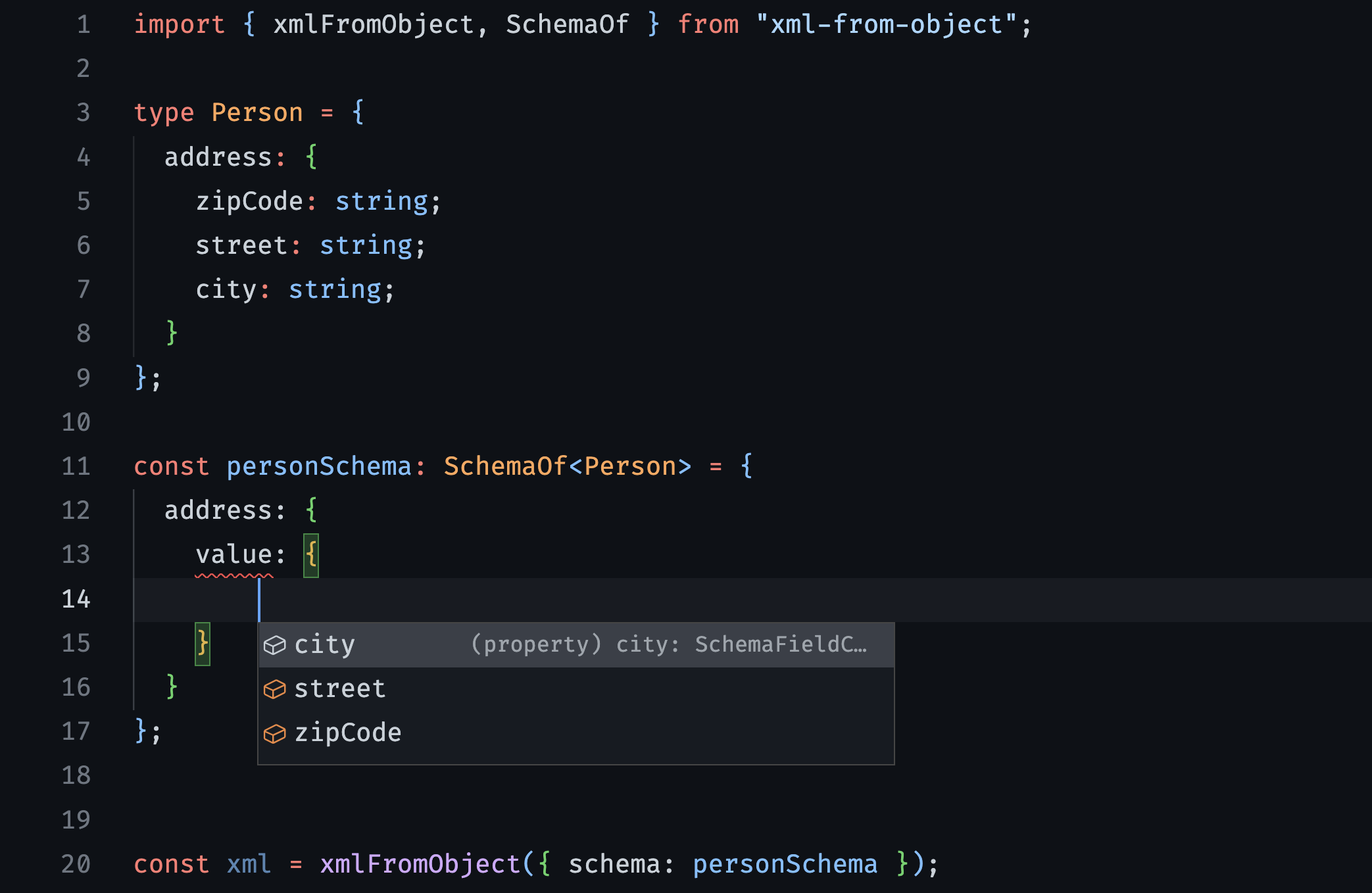
### SchemaOf - Typecheck from your own interface
Define a schema based in your own interface using `SchemaOf`.
```ts
import { xmlFromObject, SchemaOf } from "xml-from-object";
type Person = {
name: string;
age: number;
};
const personSchema: SchemaOf = {
name: {
value: "John",
},
age: {
value: "Not numeric value", // Error: Type 'string' is not assignable to type 'number'
},
};
const xml = xmlFromObject({ schema: personSchema });
```
### Header
Define the header specifying the version and encoding.
```ts
import { xmlFromObject, FromObjectSchema, FromObjectHeader } from "xml-from-object";
const schema: FromObjectSchema = {
name: {
value: "John",
},
age: {
value: 12,
},
};
const header: FromObjectHeader = {
version: "1.0",
encoding: "UTF-8",
};
const xml = xmlFromObject({ schema, header });
// Output: `John12`
```
### Custom Header
Define the header as you wish, without restrictions.
```ts
import { xmlFromObject, FromObjectSchema, FromObjectHeader } from "xml-from-object";
const schema: FromObjectSchema = {
name: {
value: "John",
},
age: {
value: 12,
},
};
const header: FromObjectHeader = {
custom: '',
};
const xml = xmlFromObject({ schema, header });
// Output: `John12`
```
### Attributes
Specify the attributes for each tag you want.
```ts
import { xmlFromObject, FromObjectSchema } from "xml-from-object";
const schema: FromObjectSchema = {
name: {
value: "John",
attributes: {
id: "1234",
contract: "ABC",
},
},
age: {
value: 12,
},
};
const xml = xmlFromObject({ schema });
// Output: `John12`
```
### Cdata
Wrap with cdata the fields you want.
```ts
import { xmlFromObject, SchemaOf } from "xml-from-object";
type Person = {
name: string;
age: number;
};
const personSchema: SchemaOf = {
name: {
value: "John",
options: {
cdata: true,
},
},
age: {
value: 12,
},
};
const xml = xmlFromObject({ schema: personSchema });
// Output: `12`
```
### Self-closing tags
`undefined` and `null` are converted to self-closing tags.
```ts
import { xmlFromObject, FromObjectSchema } from "xml-from-object";
const schema: FromObjectSchema = {
name: {
value: "John",
},
lastName: {
value: undefined,
},
age: {
value: null,
},
};
const xml = xmlFromObject({ schema: personSchema });
// Output: `John`
```
### Class way
If you want to inject the lib in your class dependencies for example, you can inject using the class way.
```ts
import { XmlFromObject, FromObjectSchema } from "xml-from-object";
class YourClass {
constructor(private readonly xmlFromObject: XmlFromObject) {}
yourMethod() {
const schema: FromObjectSchema = {
name: {
value: "John",
},
lastName: {
value: "Doe",
},
};
const xml = this.xmlFromObject.fromObject({ schema });
console.log(xml);
// Output: `JohnDoe`
}
}
````
## License
xml-from-object is [MIT licensed](LICENSE).