Extensions add specific functionality to Items API. They rely on modules within LT being available.
--
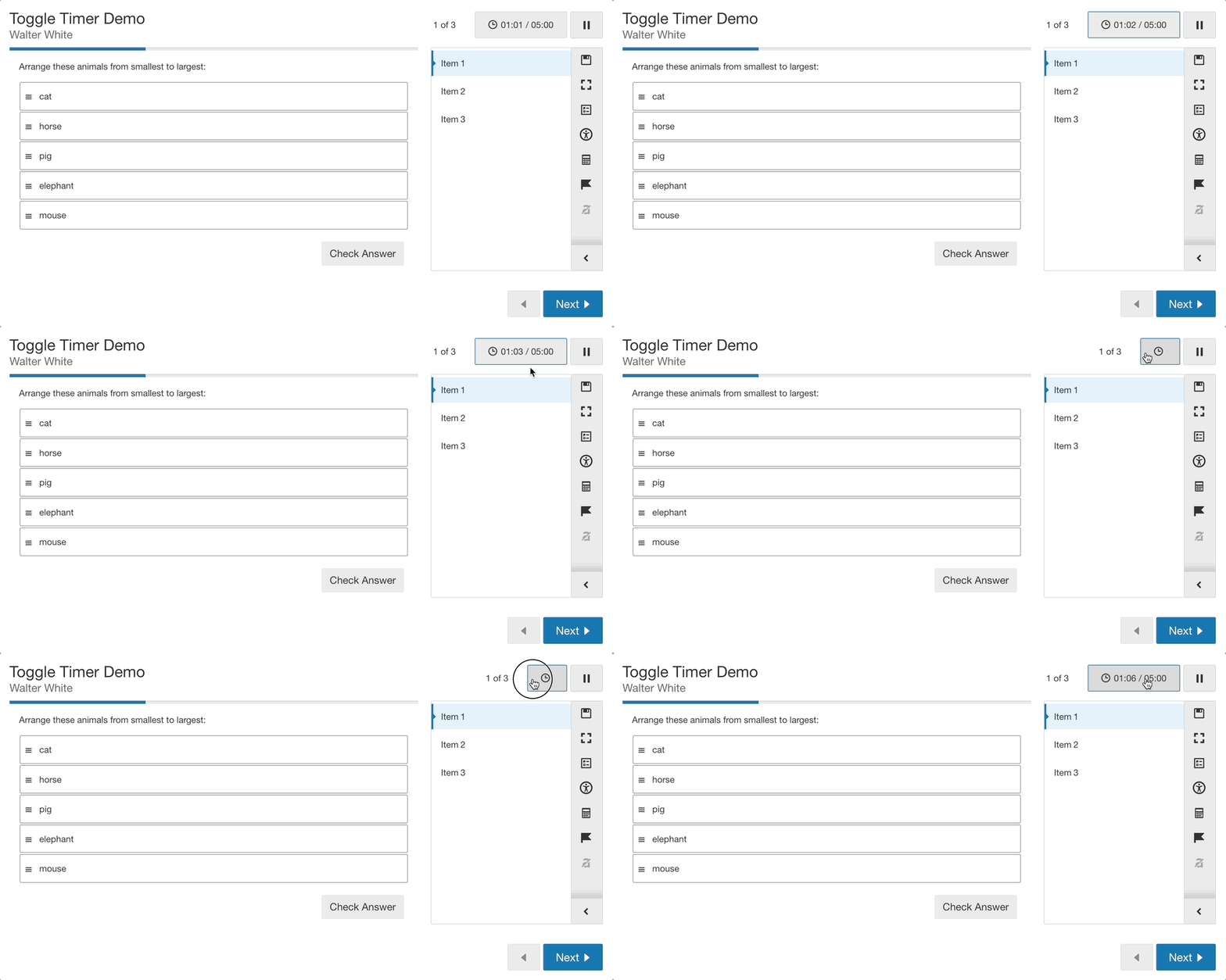
Allows the end-user to toggle visibility of the timer, leaving the clock icon only. This can reduce test anxiety.
Note: this does not work on the smallest (mobile) breakpoint because that is a separate layout that doesn't include the clock icon. It's a future TODO to rectify this extension in the narrowest layout.
Methods
run(showTimerLimit)
Wraps clock and timer elements inside a button. Adds a click event to toggle the timer.
By passing showTimerLimit, you can force render the timer
in the final moments. Will force render one time only, if
the user hides the timer again we don't force render.
Since
- 2.6.0
Example
import { LT } from '@caspingus/lt/src/assessment/index';

LT.init(itemsApp); // Set up LT with the Items API application instance variable
LT.extensions.toggleTimer.run();
Parameters:
| Name | Type | Description |
|---|---|---|
showTimerLimit |
number | The clock value to force render the timer element. |
toggle()
Toggles the timer visibility. Assumes run() has been called.
Since
- 2.6.0