How it works
HTML structure
HTML5 and Youtube video players use the same minimalist structure with native HTML5 <video> tag.
HTML
Each video players must have inevitably a unique id.
HTML5 video
{{idSelector}}- Unique HTML id{{videoSource}}- Video path
1 2 3 4 | <video id="{{idSelector}}" class="vlite-js" src="{{videoSource}}"> </video> |
Youtube video
{{idSelector}}- Unique HTML id{{videoId}}- Youtube video id
1 2 3 4 | <video id="{{idSelector}}" class="vlite-js" data-youtube-id="{{videoId}}"> </video> |
Video skin
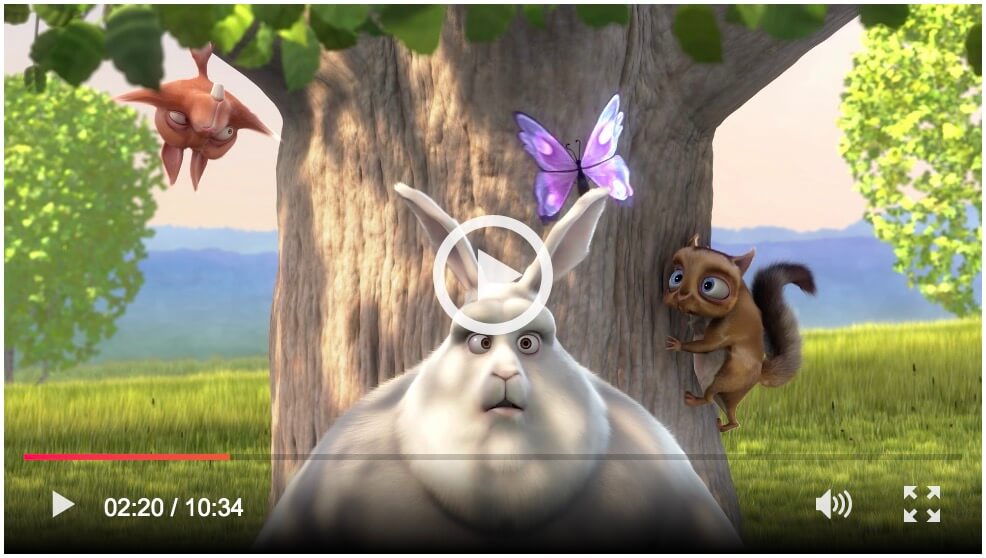
Options
Each video players has its own options object. For more flexibility, vLitejs accepts two possibilities for passed them.
Options in HTML
Options object must be a valid JSON and writes between single quotes in data attribute data-options.
1 2 3 | <video id="player" data-options='{"autoplay": false, "controls": true}'> </video> |
Option in Javascript constructor
Options object passed to the constructor.
1 2 3 4 5 6 | new vlitejs({ options: { autoplay: false, controls: true } }); |
Only one or the other
Don't pass options in the HTML in adition to Javascript constructor. If you choose to do it, there will be a conflict, and the priority will be given to options pass by the data attribute data-options in the HTML.
Available options
List of all options with their default values.
autoplay
default: boolean = false
Tells vLitejs whether to enable the autoplay of the video.
1 2 3 4 5 | new vlitejs({ options: { autoplay: true } }); |
controls
default: boolean = true
Tells vLitejs whether to display the control bar of the video.
1 2 3 4 5 | new vlitejs({ options: { controls: true } }); |
playPause
default: boolean = true
Tells vLitejs whether to display the play/pause button on the control bar.
1 2 3 4 5 | new vlitejs({ options: { playPause: true } }); |
time
default: boolean = true
Tells vLitejs whether to display the time information on the control bar.
1 2 3 4 5 | new vlitejs({ options: { time: true } }); |
progressBar
default: boolean = true
Tells vLitejs whether to display the progress bar on the control bar.
1 2 3 4 5 | new vlitejs({ options: { progressBar: true } }); |
volume
default: boolean = true
Tells vLitejs whether to display the volume button on the control bar.
1 2 3 4 5 | new vlitejs({ options: { volume: true } }); |
fullscreen
default: boolean = true
Tells vLitejs whether to display the fullscreen button on the control bar.
1 2 3 4 5 | new vlitejs({ options: { fullscreen: true } }); |
poster
default: null
Tells vLitejs whether to personalize the poster url of the video.
1 2 3 4 5 | new vlitejs({ options: { poster: 'poster.jpg' } }); |
bigPlay
default: boolean = true
Tells vLitejs whether to display the big play button on the video.
1 2 3 4 5 | new vlitejs({ options: { bigPlay: true } }); |
autoHide
default: boolean = false
Tells vLitejs whether to hide the control bar if the user is inactive (delay 3000ms).
1 2 3 4 5 | new vlitejs({ options: { autoHide: false } }); |
nativeControlsForTouch
default: boolean = false
Tells vLitejs whether to keep native controls for touch devices.
1 2 3 4 5 | new vlitejs({ options: { nativeControlsForTouch: false } }); |
Instantiation
The vLitejs class accept an object as parameter with 3 keys:
selector- Selector of the video element (mandatory)options- Object of options (optional)onReady- Callback function (optional)
Selector
The selector can be a string with unique identifier or an HTML element with document.querySelector('#player').
Simple example with options in HTML
The simplest way to use vLitejs is like the example below. All default options are used except the poster was override by data-options.
1 2 3 4 5 | <video id="{{idSelector}}" class="vlite-js" src="{{videoSource}}" data-options='{"poster": "poster.jpg"}'> </video> |
1 2 3 | new vlitejs({ selector: '#player' }); |
Example with the onReady function and options in the constructor
The onReady function is called when the current player is instanciated and ready. The function expose the player instance.
1 2 3 4 | <video id="{{idSelector}}" class="vlite-js" data-youtube-id="{{videoId}}"> </video> |
1 2 3 4 5 6 7 8 9 | new vlitejs({ selector: '#player', options: { "poster": "poster.jpg" }, onReady: (player) => { //Ready } }); |
Load Youtube API
Youtube API is automatically loaded by vLitejs when a Youtube player is instanciated. All players are instanciate when the API is ready with a queuing system.